
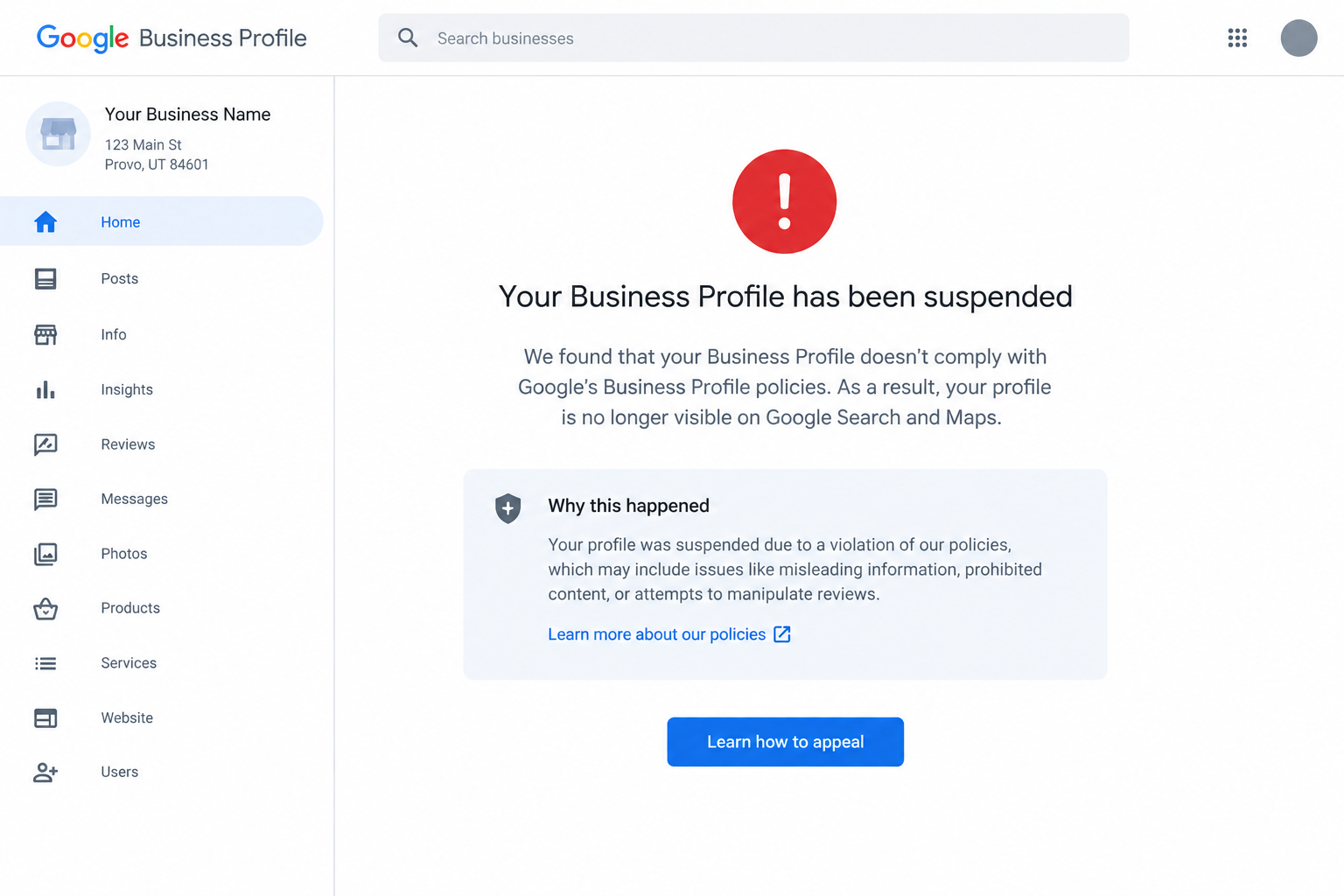
Quick answer: Google Business Profiles can be suspended when Google determines that a business or its listing doesn't follow its Business Profile guidelines. For contractors, common areas to check include an incorrect storefront or service-area setup, duplicate profiles, an inaccurate business name or address, prohibited or misleading profile information, and eligibility or verification issues. Before requesting reinstatement, review your profile against Google's guidelines and correct any problems you find.
For a contractor, a suspended Google Business Profile can have a direct effect on local visibility. If your profile isn't appearing in Google Maps or local search, customers searching for services such as roofing, plumbing, electrical work, HVAC, or general contracting may not see your business listing.
The good news is that a suspension doesn't necessarily mean your business is permanently removed from Google. The right response depends on why the profile was suspended and whether you can document that your business meets Google's requirements.
Why Do Contractors Get Google Business Profile Suspensions?
Contractors often operate as service-area businesses (SABs) rather than traditional storefront businesses. That creates a few areas where a profile can run into trouble, particularly when an address, service area, or duplicate listing doesn't accurately represent how the business operates.
Google's guidelines require businesses to accurately represent themselves and use an address and/or service area that reflects where and how they actually operate.
Here are some of the areas contractors should check first:
| Potential Issue | What to Check |
|---|---|
| Incorrect address setup | If customers don't visit your location, your address generally shouldn't be displayed publicly. |
| Service-area problems | Make sure your listed service areas accurately reflect where you actually serve customers. |
| Duplicate profiles | Check for multiple Business Profiles representing the same business or location. |
| Business name violations | Your profile name should match the real-world name of your business rather than adding service or location keywords. |
| Inaccurate business information | Check your name, address, phone number, website, category, and other profile information for accuracy. |
| Eligibility or verification issues | Make sure your business qualifies for a Business Profile and that you can provide documentation supporting the listing. |
| Policy violations | Review the rest of the profile for information or behavior that violates Google's Business Profile policies. |
A suspension doesn't necessarily tell you exactly which field caused the problem. That's why it's important to review the entire profile before submitting an appeal rather than changing one detail and immediately appealing.
Your contractor business is set up as a storefront when it should be a service-area business
This is one of the most important distinctions for contractors.
If you travel to customers rather than serving them at your business address, Google generally considers you a service-area business. In that situation, you should hide your physical address from customers and specify the cities, ZIP codes, or other areas you serve. Google currently allows up to 20 service areas and says the overall service area generally shouldn't extend more than about two hours of driving time from the business's base.
For example, a plumber who operates from a home office but travels to customers shouldn't publish the home address as though it were a customer-facing storefront.
If customers actually visit your location and you have an eligible, staffed location with appropriate signage, you may qualify as a storefront or hybrid business instead.
You have duplicate Google Business Profiles
Duplicate listings can create problems when a contractor has multiple profiles representing the same business or location.
This can happen after:
A business changes names
A company moves locations
An old listing was never removed
A previous marketing company created another profile
An owner or employee created a second listing
A business has multiple locations but the profiles aren't set up correctly
Google's guidelines generally allow one profile for each business location and specifically prohibit creating more than one page for the same location.
Before creating a new listing to replace a suspended one, check for existing profiles first. Google specifically instructs businesses not to create a new Business Profile for the same business while an appeal is under review.
Your business name contains extra keywords
Your Google Business Profile name should reflect the name your business actually uses in the real world.
For example, if your company's real name is:
Smith Plumbing LLC
you shouldn't change the profile name to:
Smith Plumbing LLC - Best Plumber in Wenatchee - Emergency Plumbing
just to target additional searches.
Google says unnecessary information in the business name isn't permitted and can result in suspension. Service areas, categories, and other business details belong in their respective fields rather than being added to the business name.
This is especially important for contractors because adding cities and service keywords to a business name can be tempting when you're trying to improve local rankings.
Your address or other business information doesn't accurately represent your business
Google expects your Business Profile to accurately represent your real-world business.
Check that your:
Business name
Address
Service area
Phone number
Website
Primary category
Business type
all accurately describe the business.
If you operate as a service-area business, don't use a virtual office, mailbox, or other location simply to create a Google Maps presence. Google specifically says virtual offices and remote mailboxes aren't acceptable business locations.
Your profile or account has an eligibility or policy issue
Google can suspend or disable a Business Profile when it doesn't comply with its guidelines. An account-level restriction can also affect the Business Profiles managed through that account.
That's why it's worth reviewing Google's eligibility and Business Profile policies rather than assuming the suspension is simply a technical problem.
Can a competitor or customer report my business?
Anyone can report a Business Profile for a potential violation, but a report by itself doesn't establish that the business actually violated Google's policies.
If your profile was suspended after someone reported it, the useful question is whether the profile currently complies with Google's guidelines. Focus your reinstatement request on correcting any actual issues and providing documentation that supports your business information.
What Is the Difference Between a Soft and Hard Google Business Profile Suspension?
You'll often see GBP professionals use terms such as soft suspension and hard suspension. These aren't the primary categories Google uses in its official suspension documentation, so it's better to focus on what access and visibility you actually have rather than relying on those labels.
| Situation | What You May See | What to Do |
|---|---|---|
| Profile isn't publicly visible | Your listing may disappear from Search or Maps while you can still access some profile controls | Review the profile for policy issues and check the appeal options available to you. |
| Profile or account access is restricted | You may lose the ability to manage the profile or create/claim other profiles | Determine whether the restriction is at the account level and follow Google's appeal process. |
| Profile has been removed or disabled | The public can't access the profile and owners/managers may not be able to act on it | Use Google's appeals process and provide supporting evidence when requested. |
Google's current documentation says that a removed profile can't be accessed by the public and that owners and managers can request reinstatement. Google also distinguishes between a Business Profile suspension and an account restriction that can affect profiles managed by that account.
How Do I Get a Suspended Google Business Profile Reinstated?
The reinstatement process starts with figuring out why Google took action and correcting the underlying issue before you appeal.
Step 1: Check the suspension notice
Sign in to the Google account that manages the profile and review the information Google provides about the moderation action.
Google's appeals tool can show the restricted profile, the reason for the moderation action, and the policy associated with it.
Don't immediately create a replacement listing. That can create another issue while your original appeal is being reviewed.
Step 2: Review the entire profile against Google's guidelines
Before submitting an appeal, check more than just the field you think caused the suspension.
Review:
Business name
Business type
Address
Service area
Phone number
Website
Primary category
Additional categories
Business description
Services
Duplicate listings
Business eligibility
Account ownership and access
Google specifically recommends making sure the profile follows its guidelines before submitting an appeal.
Step 3: Correct any problems you find
If your business is a service-area business but the profile is displaying a customer-ineligible address, correct the location setup.
If the business name contains extra keywords, return it to the real-world business name.
If you find a duplicate listing, determine which profile represents the legitimate business rather than creating another profile.
If information on the profile is outdated or inaccurate, correct it before appealing.
The goal is to make the profile accurately reflect the business before Google reviews your reinstatement request.
Step 4: Gather documentation
Google may give you the option to submit evidence with your appeal. Documents that can help establish your business information include:
Business registration
Business license
Tax certificates
Utility bills
Other official documentation that supports the business information on the profile
Google specifically recommends making sure the business name and address on submitted documents match the profile you're appealing.
If Google gives you an evidence form after submitting the appeal, pay attention to the time limit: Google says evidence must be submitted within 60 minutes of opening the form for it to be attached to the appeal.
Step 5: Submit the official appeal
Use Google's official Business Profile appeals tool rather than trying to resolve the suspension by creating another listing.
The appeals tool lets you select the affected profile and submit the appeal. Google will send an email with the decision.
Step 6: Request an additional review if your appeal is denied
A denied reinstatement request isn't necessarily the end of the process.
Google says that, in some cases, you can request an additional review of a denied appeal and provide additional evidence that wasn't included with the original appeal.
The important thing is to use the appropriate appeal process rather than repeatedly submitting new profiles or making unrelated changes.
What Should I Check Before Appealing a Contractor's GBP Suspension?
Use this checklist before submitting your reinstatement request:
| Check | What to Verify |
|---|---|
| Business name | Matches the name your business actually uses in the real world |
| Business type | Storefront, service-area, or hybrid setup accurately reflects how you operate |
| Address | Accurate and eligible; hidden if customers don't visit your location |
| Service area | Lists areas you actually serve |
| Duplicate listings | No second profile representing the same business/location |
| Phone | Connects to the business and accurately represents the location |
| Website | Represents the business listed on Google |
| Categories | Accurately describe the business rather than being used as keywords |
| Business description | Provides useful, relevant information without prohibited content |
| Services | Accurately describe services you actually offer |
| Documentation | Business records support the information on the profile |
| Account access | The Google account managing the profile isn't itself restricted |
Google's guidelines emphasize accurate business representation, eligible locations, appropriate service areas, and accurate business information.
How Can Contractors Prevent Future Google Business Profile Suspensions?
The best time to find a GBP problem is before Google suspends the listing.
For contractors, that means periodically checking the profile and making sure changes made by employees, owners, or marketing providers continue to follow Google's guidelines.
A few practices can help:
Keep the business name accurate. Don't add cities, services, slogans, or promotional language to the name simply for SEO purposes.
Keep your service area current. Use the actual cities, ZIP codes, or areas you serve rather than adding locations where you don't regularly provide services.
Avoid duplicate listings. Before creating a new profile after a move, rebrand, or ownership change, check whether an existing profile can be updated or transferred.
Give your marketing company appropriate access. Google allows authorized representatives such as SEO and digital marketing companies to manage Business Profiles, but they must follow Google's policies and work with the business owner. Google recommends that the business owner retain ownership of the profile and add outside providers as managers.
Review major changes before publishing them. Changes to the business name, location, business type, and other core information should reflect genuine changes to the business rather than attempts to manipulate local search results.
Keep supporting documentation available. If Google asks you to establish that the business is legitimate and that its profile information is accurate, having current business records available can make the appeal process more straightforward.
Getting Your Google Business Profile Back Matters for Contractors
For a contractor, Google Business Profile isn't just another directory listing. It can put your business in front of people searching for a service in your area at the time they're looking for it.
A suspension removes or limits that visibility, so it's worth addressing the problem rather than simply creating another listing and hoping it works.
The important thing is to treat a suspension as a policy and verification issue, not just a technical glitch. Review your profile, correct anything that doesn't comply with Google's guidelines, gather documentation, and use Google's official appeal process.
If managing your Google Business Profile is one more task you don't have time to keep up with, TradesPro Services can help with the digital side of your contracting business, including Google Business Profile management, local SEO, website support, and ongoing digital marketing.
Frequently Asked Questions
-
There isn't a single reinstatement timeline that applies to every suspension. Google reviews appeals individually, and the process can vary depending on the type of restriction, the issue involved, and whether additional evidence is required. Rather than relying on a specific number of days, focus on correcting the underlying issue and submitting a complete appeal.
-
A person can report a Business Profile for a potential policy violation, but a report doesn't automatically mean the business violated Google's policies. If your profile is suspended, review it against Google's current guidelines and address any actual compliance issues before appealing.
-
Not necessarily. If you travel to customers and don't serve customers at your business address, Google allows you to operate as a service-area business and hide your address from customers. You can instead specify the cities, ZIP codes, or other areas you serve.
-
A suspension does not automatically mean that your existing reviews are permanently lost. However, reviews can sometimes be temporarily unavailable after a profile is reinstated, and Google Community reports show that some businesses have experienced missing reviews after reinstatement. Because this isn't guaranteed to resolve the same way in every case, keep documentation of important review activity and contact Google support if reviews don't return after reinstatement.
-
Yes. Google says your Business Profile name should reflect your real-world business name and that unnecessary information in the business name isn't permitted and can result in suspension. Adding service keywords or location terms solely to influence search visibility can therefore create a policy issue.
-
No. Google specifically says not to create a new Business Profile for the same business while an appeal is under review. Start with the existing profile and use Google's reinstatement process instead.
-
If Google denies the initial reinstatement request, check whether your case is eligible for an additional review. Google allows additional reviews in some cases and may allow you to submit evidence that wasn't included with the original appeal.
Disclaimer: Google Business Profile policies and enforcement practices can change over time. This guide reflects Google's published guidance available in 2026 and provides general information, not a guarantee that a particular Business Profile will be reinstated.
